
A candid review of the Wisephone: it’s a great concept, but the interface issues I had while typing led me to return it.

A Simple Phone
The Wisephone feels like a smartphone but functions like a dumb phone. It was designed to cut out addictive apps like social media and remove advertisements from your pocket. It supports calling, texting, and a few simple tools.
I love the premise of the Wisephone. It is exactly what I was looking for in a phone: the ability to make calls, send texts, and use a GPS. Unfortunately, the interface issues caused me to return the phone at the end of my trial period. The Wisephone II is set to release in Winter 2023; I’m looking forward to seeing if some of the issues I had with the first model will be resolved with the second edition.
Review of the Wisephone Tools
Making Calls
During my Wisephone trial, I was able to both make and receive phone calls. The call would ring, and I was able to answer it on the first try. Making calls was just as easy. Calls can be dialed in as 10-digit numbers, or selected from a Contacts list.
After having the phone for about a month I started not being able to dial calls. Selecting a contact from my contacts list continued to work, but the number pad stopped functioning. It would either not enter the number I selected, or enter “9” over and over again. I contacted support and they were only able to recommend keeping the phone in hopes of the bug being fixed in a future update.

Sending Texts
My review of the Wisephone’s texting capabilities is that it is more difficult than texting on a traditional smartphone. On a positive note, the Wisephone is the same size as a smartphone. Also, the screen is large enough that I was able to easily scroll through long texts to proofread before sending them.
The Wisephone’s texting falls short in two areas: voice-to-text and autocorrect. At this time the Wisephone has no voice-to-text software. The autocorrect and predictive text just aren’t as good as a regular smartphone. The autocorrect works some of the time, but often I had to go in manually and fix words. When manually correcting spelling, the Wisephone does not see what I’m typing as part of the existing word and tries to put a capital letter in the middle of the word I’m correcting. This causes me to have to go back and correct it yet again.
About a month into my trial, the touchscreen on the phone started having issues. I began not being able to reliably type on the pop-up keyboard on the phone. It either refused to accept any typing, or the letter I pressed wasn’t the letter that appeared on the screen. When I contacted support, and they said to keep the phone and the issue may be addressed in a future update. I decided against this route and returned the phone.
I did not encounter any critical errors when sending or receiving text messages. All messages came and went as expected. The Wisephone supports pictures in texts. Websites texted to the phone can be accessed through the FamilyPortal on a computer.
Using the GPS
My review of the Wisephone’s GPS is it was a pleasure to use. I was able to type in a destination and immediately have directions. The display is full screen and in color with a blue line marking my route. The audio turn-by-turn directions are spot on. I searched for destinations by name only no address was needed. Each time the Wisephone was able to find and route me to the nearest location.
How Being Smartphone-Free Felt

During my time trialing the Wisephone, I had already been smartphone-free for over a month. The initial detox was over and I was able to easily adjust to using the phone. Sure, looking up something on the internet is a little more time-consuming, but the amount of time and attention I gained back was immediately apparent. Since ditching my smartphone I’m reading more books, interacting with the family more, and going on hikes in our woods.
If you’re thinking about ditching your smartphone I’d say go for it! Reclaim your time and live life with more intention. If you are already smartphone free please share your experiences and what you do with the time you’ve reclaimed.
My Conclusions
In summary, the Wisephone excelled at the GPS but missed the mark with the ability to make calls and send texts. Support was unclear if the haptic issues I had were specific to my phone, or a glitch in the software itself. Ultimately, the inability to dial phone numbers and type out texts caused me to return the phone at the end of my trial.
The Techless website says that the Wisephone 2 is in the works. I’m excited about this update. If they can work out the touchscreen issues I encountered I would be an enthusiastic user.
Read More About my Smartphone-Free Journey
Are you thinking about ditching your smartphone for good, but aren’t sure if now is the time? To help you decide whether or not to go smartphone-free, check out my other articles on the topic:
- 5 Benefits to Getting Rid of Your Smartphone
- How to Survive Without a Smartphone
- Light Phone II vs. Wisephone
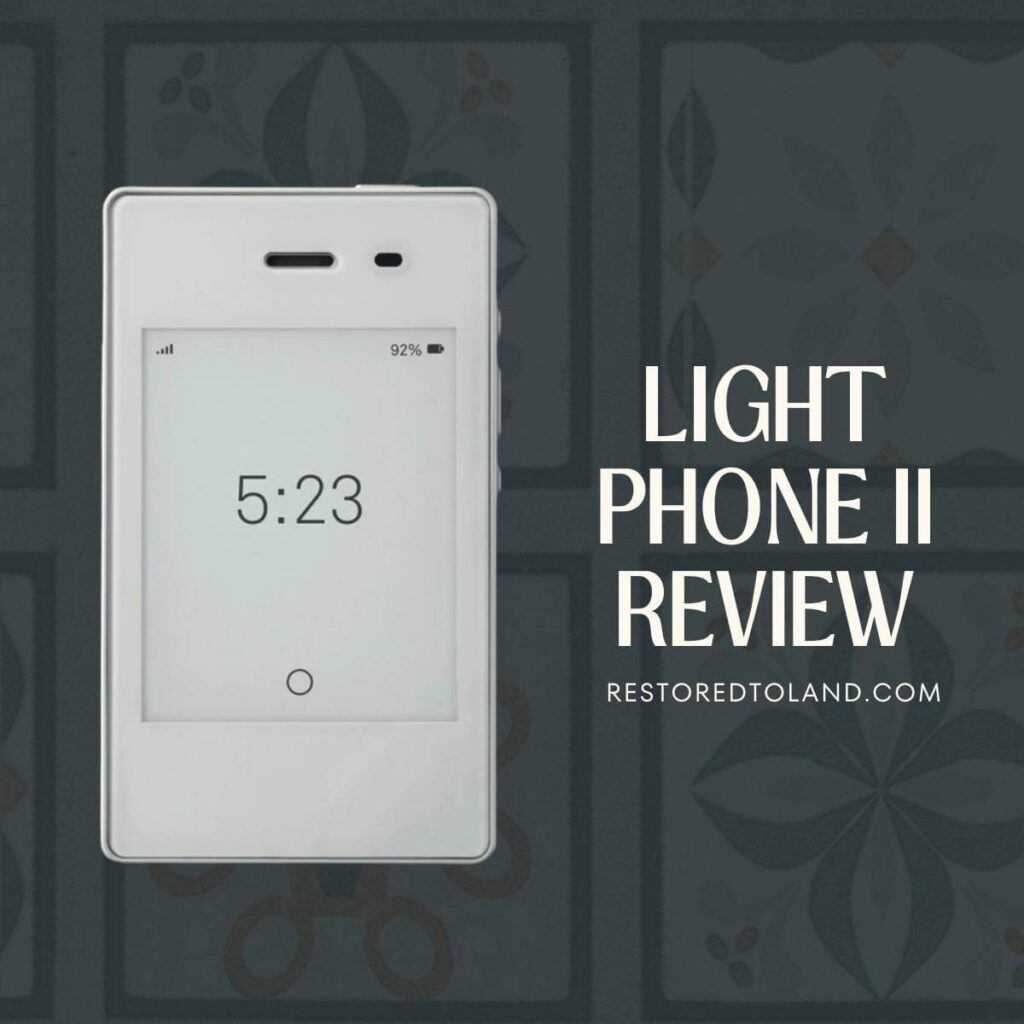
- Light Phone II Review
I would love to hear about your journey and the benefits you are looking for in getting rid of your smartphone. Thanks for stopping by!

Leave a Reply